
Tech Scams and Phishing
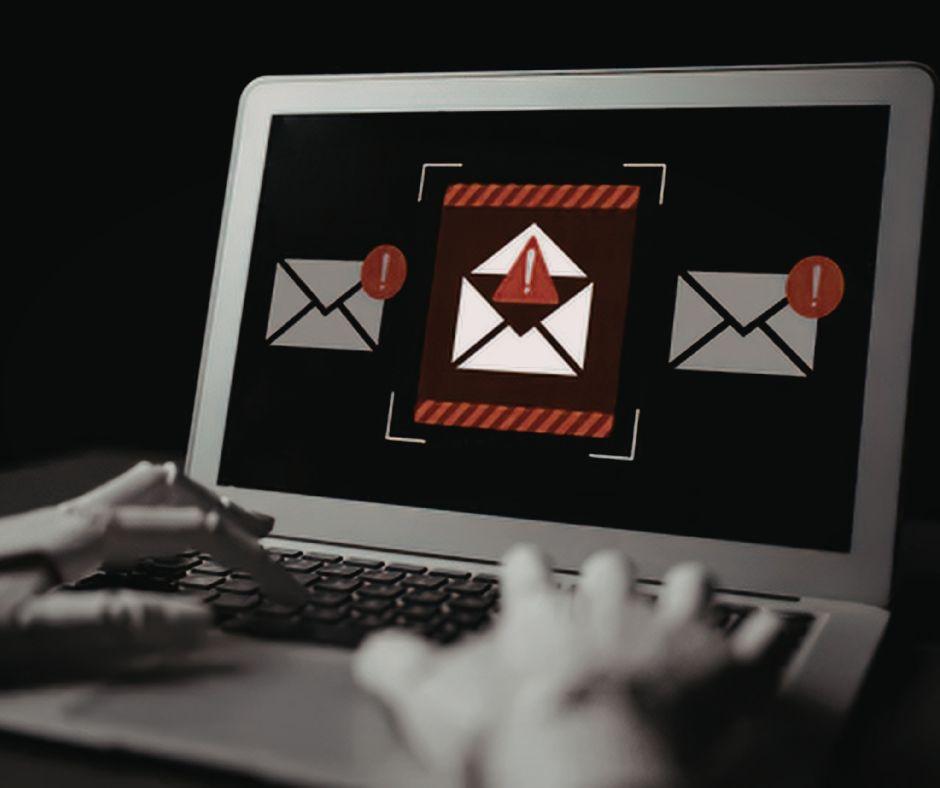
One of the main tactics bad actors (a.k.a. cybercriminals) use to get interaction with their emails is called social engineering. Social engineering occurs when bad actors use psychological factors to exploit their target into acting on a request or exposing sensitive information. These tactics are more successful than their efforts to overcome strong technical safeguards and are less costly or time-consuming. Some examples of the emotional trigger bad actors exploit include urgency, fear, trust, impersonation, and curiosity.
Urgency: Bad actors pressure their target into acting before thinking critically about the consequences.
Examples:
- Suspicious account activity alerts ("Your account will be deactivated")
- Artificial deadlines ("Verify now")
- Failed deposit ("Update your banking details")
- Unpaid taxes ("Failure to pay will result in legal action")
Fear: Bad actors will use intimidation or threats that have negative consequences to manipulate their target into taking an action.
Examples:
- Email from a government agency that alleges you committed a crime and requires you to respond or a warrant for your arrest will be issued;
- Email stating sender found adult content on your computer or webcam and threatens to expose you;
- Email from corporate IT department stating you have violated company security policies - click to review infractions;
- Email stating your device has been compromised by a virus - click here to deploy antivirus software.
Trust: Bad actors will exploit their target’s confidence in familiar or authoritative sources.
Examples:
- An email from a trusted name (friend, co-worker) asking you to send gift card codes;
- You receive a legitimate looking invoice from a vendor but the bad actor switches the routing number and bank account for their own;
- E-mail or pop up from Microsoft or Apple Support claiming your computer is infected and you download "remote desktop software" that gives the hacker control of your PC;
- A "friend" messages you stating they are locked out of their account and they ask if they can send you their verification code for you to text to them.
Impersonation: Bad actors will pretend to be a legitimate company or individual their target is familiar with.
Examples:
- Massive logistics company impersonation (FedEx, UPS, USPS) tricking you that you missed a delivery;
- Your streaming service claims your monthly subscription failed to renew and requests you log in and update your credit card (hint: don't use their link!);
- You get an email from your bank stating they have updated the banking portal and asks you to log in via a link to sync your account (which immediately steals your password and 2-factor authentication codes);
- An attacker sends an email to corporate employees pretending to be HR or payroll asking them to review their benefits or forms.
Curiosity: Bad actors will tempt their target with unexpected, enticing information that will pique their interest.
Examples:
- Leaked data claim;
- Email claims someone posted photos of you with a link to a malicious site;
- A "Who Viewed Your Profile" tease asking you to "click here to see who it is".
Phishing Checklist:
- Think before you click. Use your mouse to hover over a link to confirm destination URL before clicking.
- Thoroughly review emails for inconsistencies with the sender and the domain.
- Be wary of unsolicited email. Don’t be pressured into immediately acting on a request or providing sensitive information.
- Always verify with contact if suspicious email appears to come from someone you know
These tech scams can also include instructions to contact tech support via phone and provide a fraudulent telephone number. If the user contacts the phone number listed, a fraudster is standing by to gain access to all information by downloading malware onto the computer. If you receive an email or pop up window, do not call the phone number. Microsoft and Apple companies will not reach out to users for tech support, this is a known attempt to commit fraud.
Here are red flags to look out for if you call the requested "tech support" phone number:
- Fraudster may tell you that you must keep their interaction with you 100% confidential and to not talk to your family, friends, financial advisor or other trusted individuals
- They state that in addition to potential viruses held in the computer, accounts at financial institutions have been compromised, and your assets are no longer safe
- The scammer will try to convince you that your accounts are at risk and that you will need to liquidate all assets and transfer out of LPL (or your bank) to be safe. The scammer will provide fabricated rationale, a story they want you to tell your financial advisor or LPL when they ask you why you are making the withdrawal
- They may try to reassure you that you will get your money back at a later time, after you have liquidated and transfer to a “safe location”
- Fraudster may have a secondary individual impersonating a financial institution’s fraud department or even law enforcement. Please note: LPL’S FRAUD TEAMS are internal departments and will rarely try to speak directly with you as a client without your financial advisor.
In cases where these scams are successful, and a bad actor has convinced their victim to liquidate their assets, they will often follow one or more of the steps below to steal the victim’s assets.
- Scammer will provide instructions for setting up a new account at another firm or bank, the bad actor can access this account more easily. Often in Bitcoin or online cryptocurrency wallet format.
- Scammer will instruct their victim how, when and where to transfer funds, and what to say to their financial advisor if they are asked about often a wire or ACH transaction.
- Money is removed via a foreign or domestic wire to the account that was set up that he scammer controls.
- Scammer will ask for consistent communication to ensure the transaction is complete at their instruction.
How to keep yourself protected from these scams:
- If you receive a pop up on your computer that states you have been compromised, do not call the phone number listed on that pop up
- Do not provide any personal or banking information to someone you don’t know
- If you place a call for the scenario outlined above, contact your financial advisor and disconnect your internet connection. Fraudsters will no longer have access to your data without an internet connection
- Call a local tech support company, or ask a family or friend for a recommendation if you feel your computer has been accessed by a fraudster
- Make sure your antivirus software is up to date
Cybercriminals increasingly rely on social engineering tactics to manipulate people into revealing sensitive information or taking actions that compromise their financial security. By exploiting emotions such as urgency, fear, trust, impersonation, and curiosity, scammers can bypass even strong technical safeguards through convincing emails, pop-ups, text messages, and phone calls. Common schemes include fake account alerts, fraudulent delivery notifications, bogus tech support warnings, and requests that appear to come from trusted organizations, friends, or financial institutions. Investors should remain vigilant by carefully reviewing unexpected communications, avoiding suspicious links and phone numbers, independently verifying requests, and never sharing personal or financial information with unknown parties. When in doubt, pause, verify, and contact a trusted professional, financial advisor, or legitimate service provider directly. Taking these precautions, along with maintaining updated antivirus software and cybersecurity practices, can significantly reduce the risk of becoming a victim of fraud.
Our next blog post will cover password security and how to keep your personal information safe.
This content is developed from sources believed to be providing accurate information, and provided by Wealth Manager Group. It may not be used for the purpose of avoiding any federal tax penalties.
This information is not intended to be a substitute for specific individualized tax, financial or legal advice. We suggest that you discuss your specific situation with a qualified tax, financial, or legal advisor.
The opinions expressed and material provided are for general information, and should not be considered a solicitation for the purchase or sale of any security.